Search
Share
✔️
How to use Shortcuts
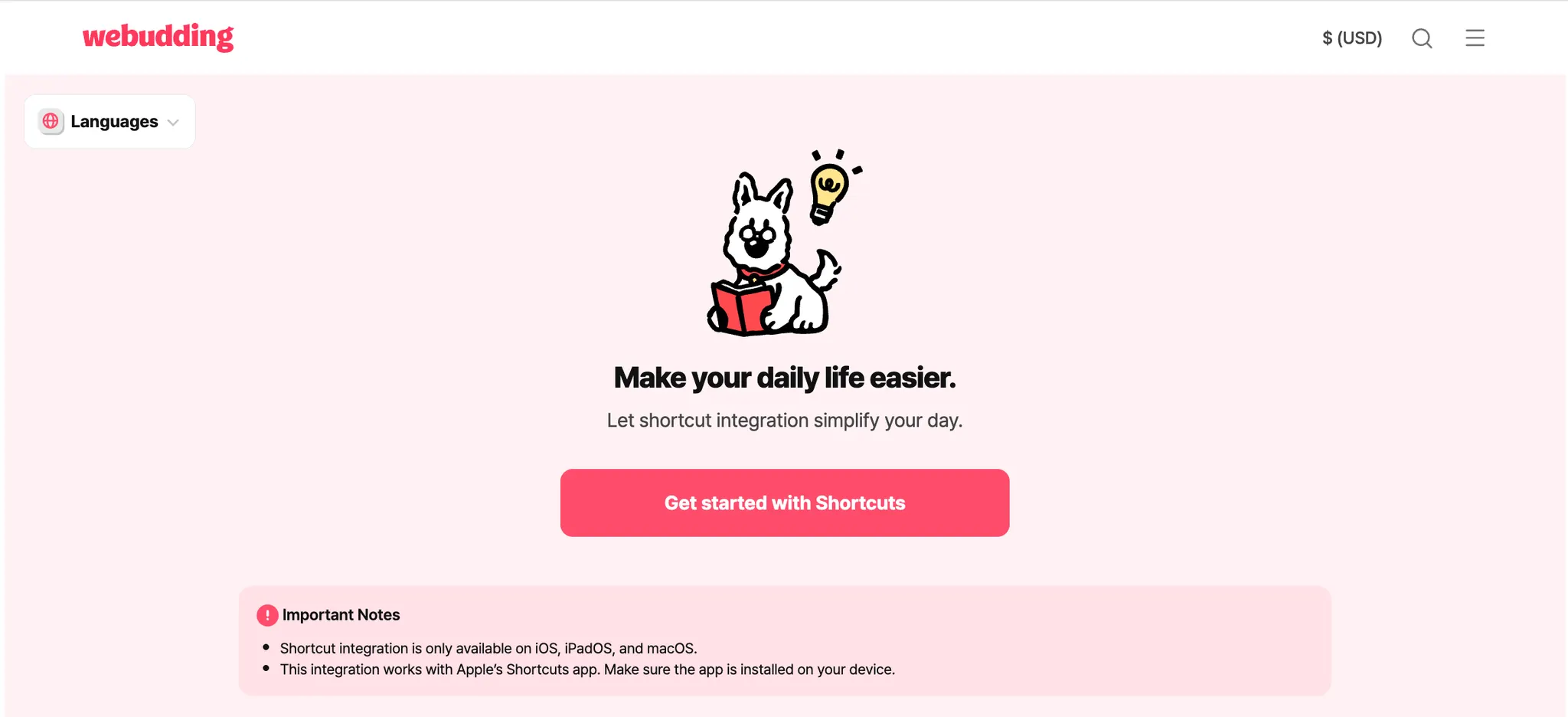
*Note: Shortcuts Integration works only on iOS devices, and the [Shortcuts] app must be downloaded
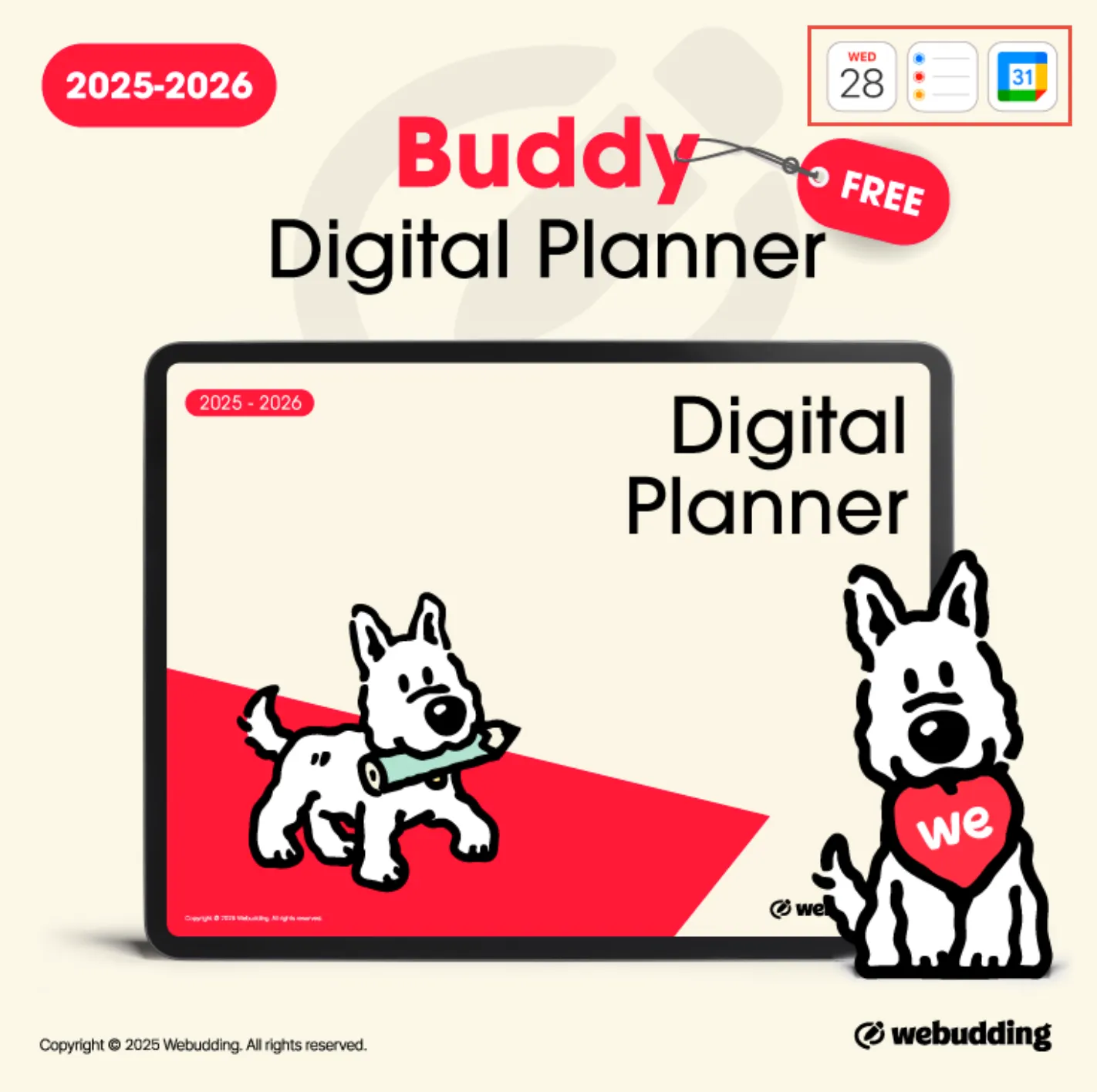
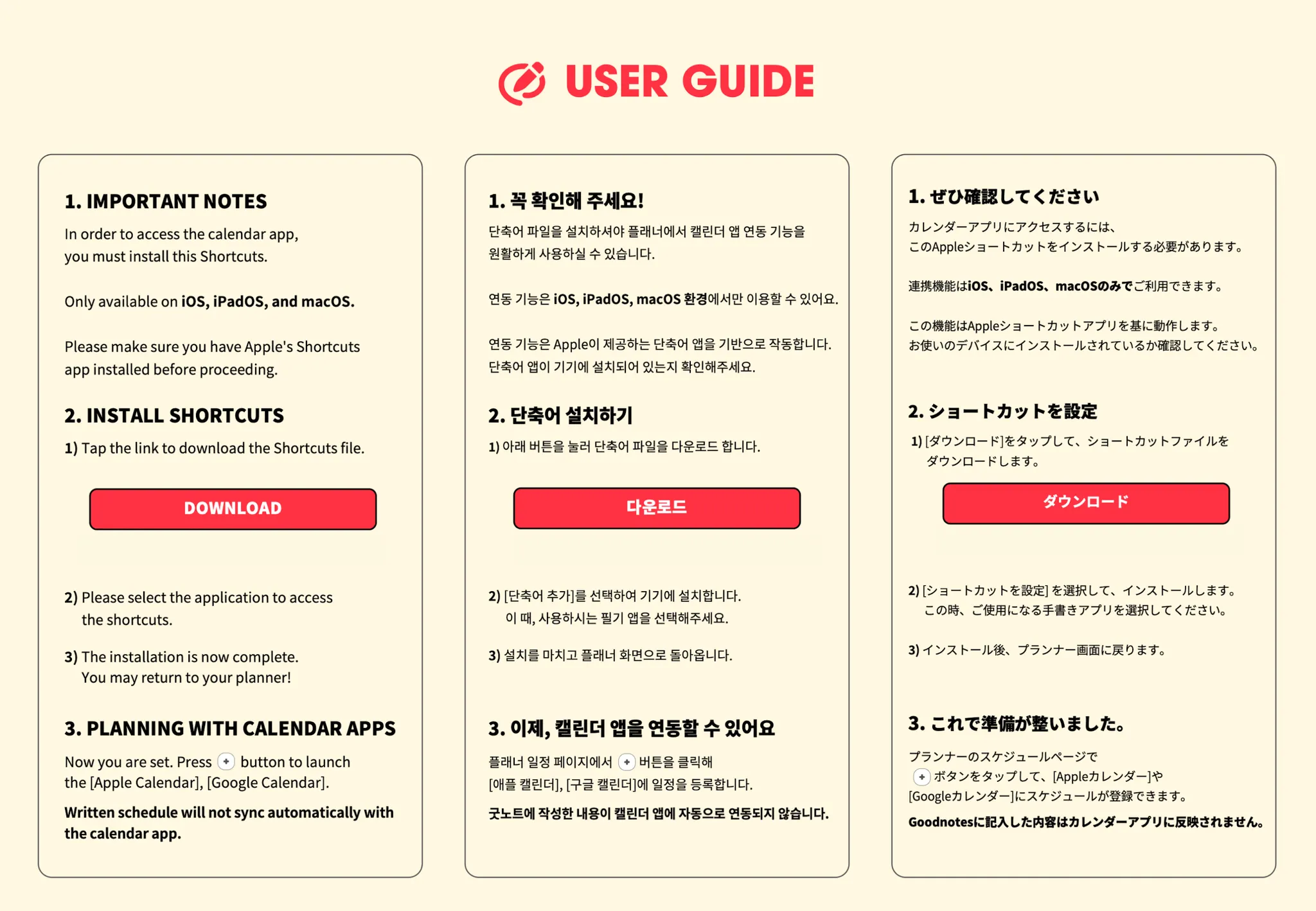
1. Check the [Thumbnail], [Product Details], or the [User Guide] to see if there are any Shortcuts integration in the product
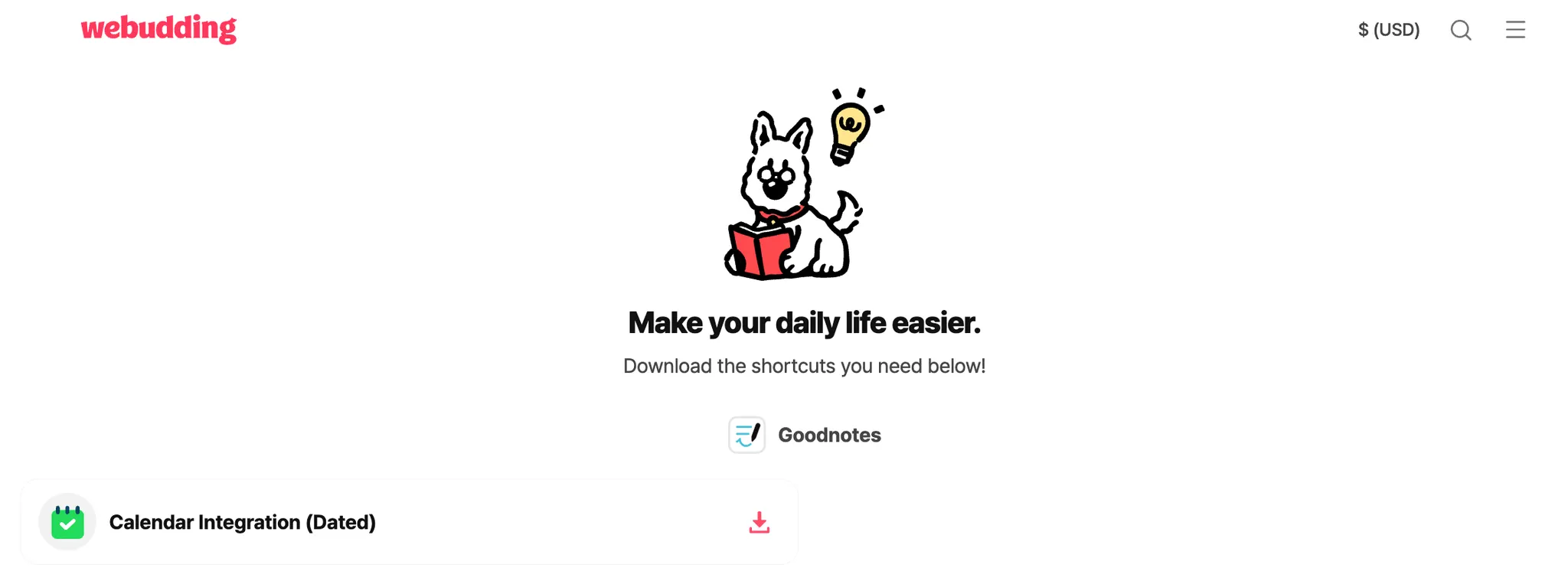
2. Follow the [User Guide] and download any necessary [Shortcuts] file(s)
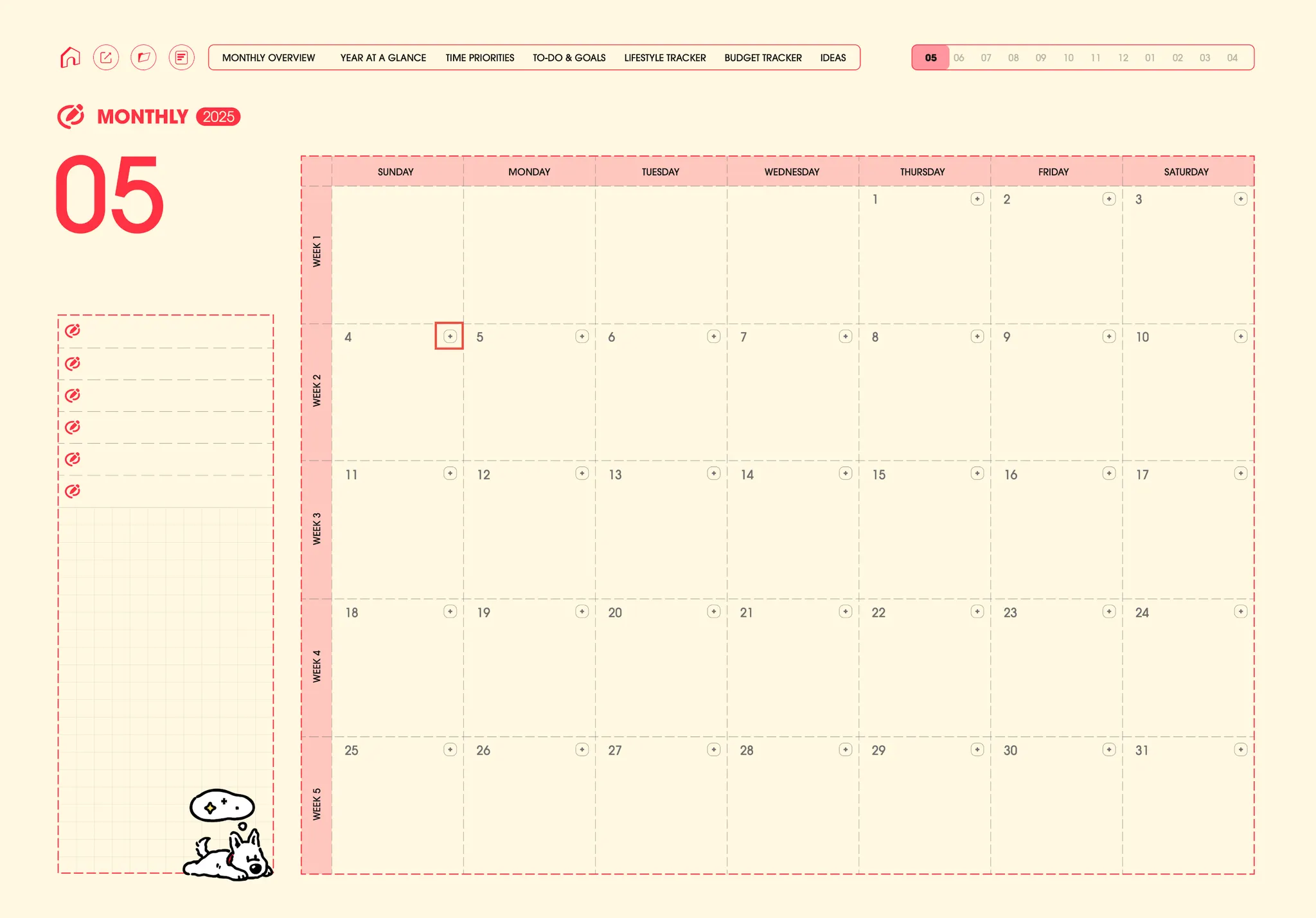
3. Use the shortcuts accordingly ex) Tap + to add events on your Apple/Google Calendar
*Note: Shortcuts Integration works only on iOS devices, and the [Shortcuts] app must be downloaded
1. Check the [Thumbnail], [Product Details], or the [User Guide] to see if there are any Shortcuts integration in the product
2. Follow the [User Guide] and download any necessary [Shortcuts] file(s)
3. Use the shortcuts accordingly ex) Tap + to add events on your Apple/Google Calendar
Go back


 Go back