Search
Share
✔️
How to install kakaotalk theme (iOS)
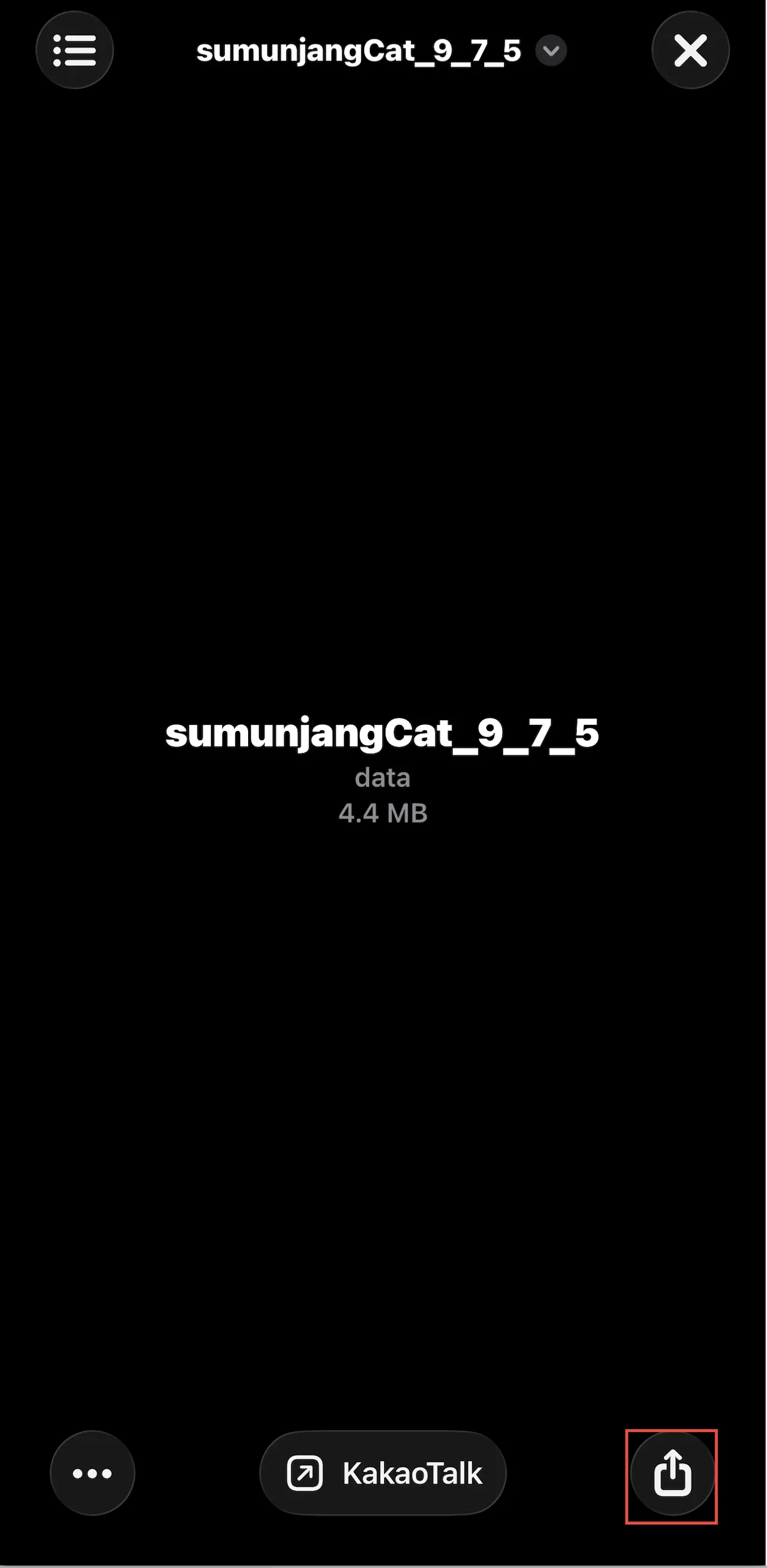
01. Select the theme in [Files] and tap the [Share] icon
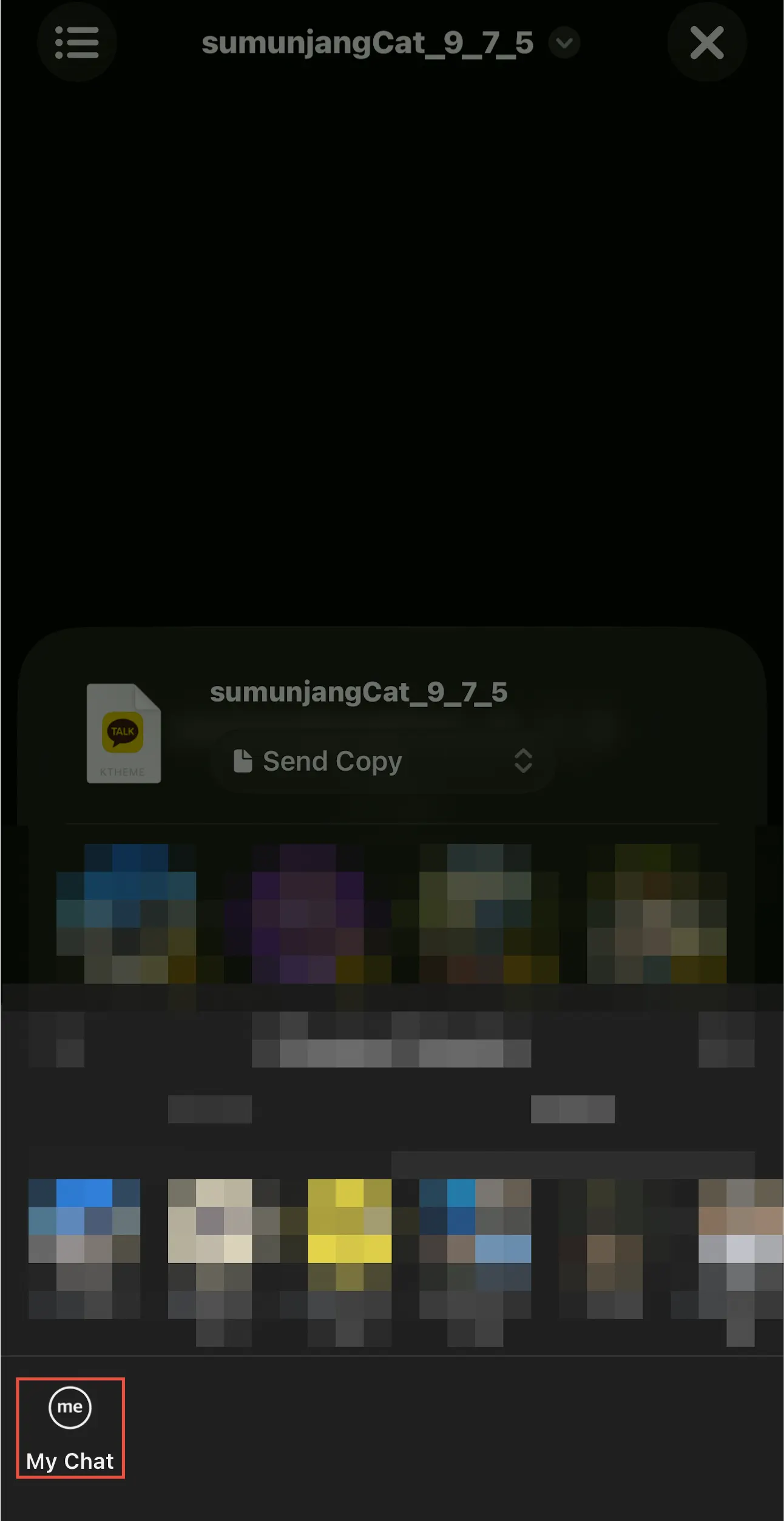
02. Send it to [My Chat]
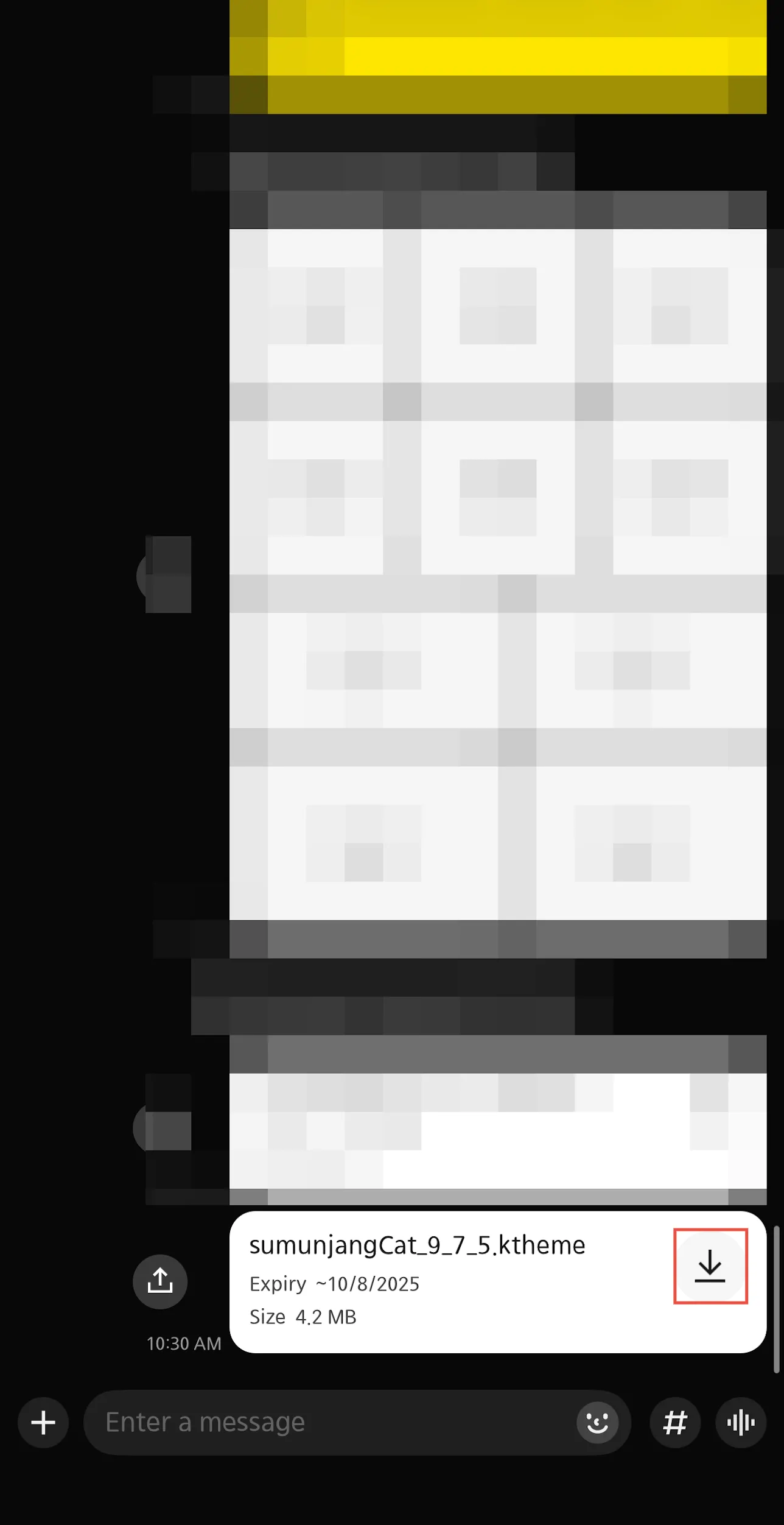
03. Go into [My Chat] and download the file
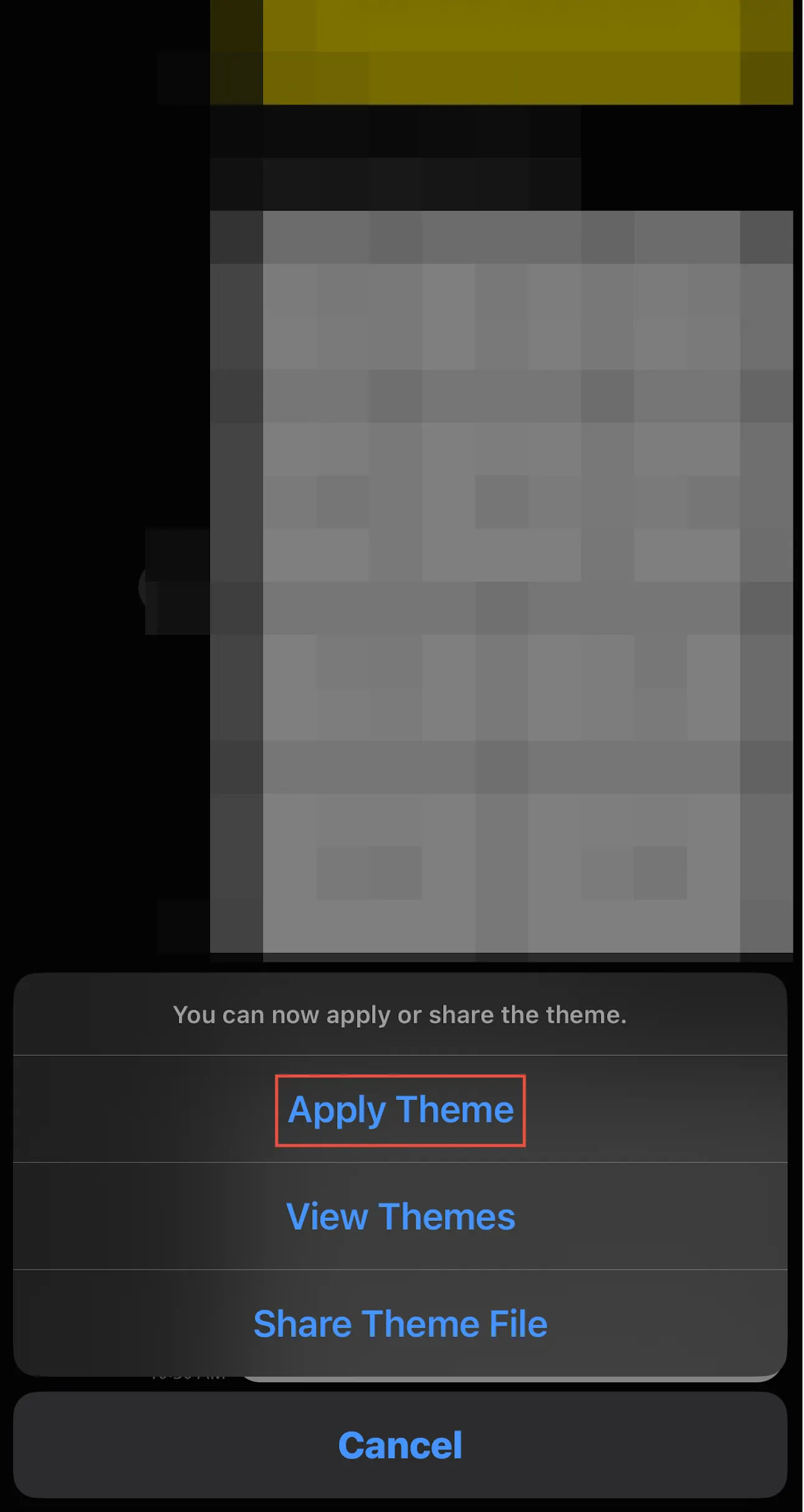
04. Tap [Apply Theme]
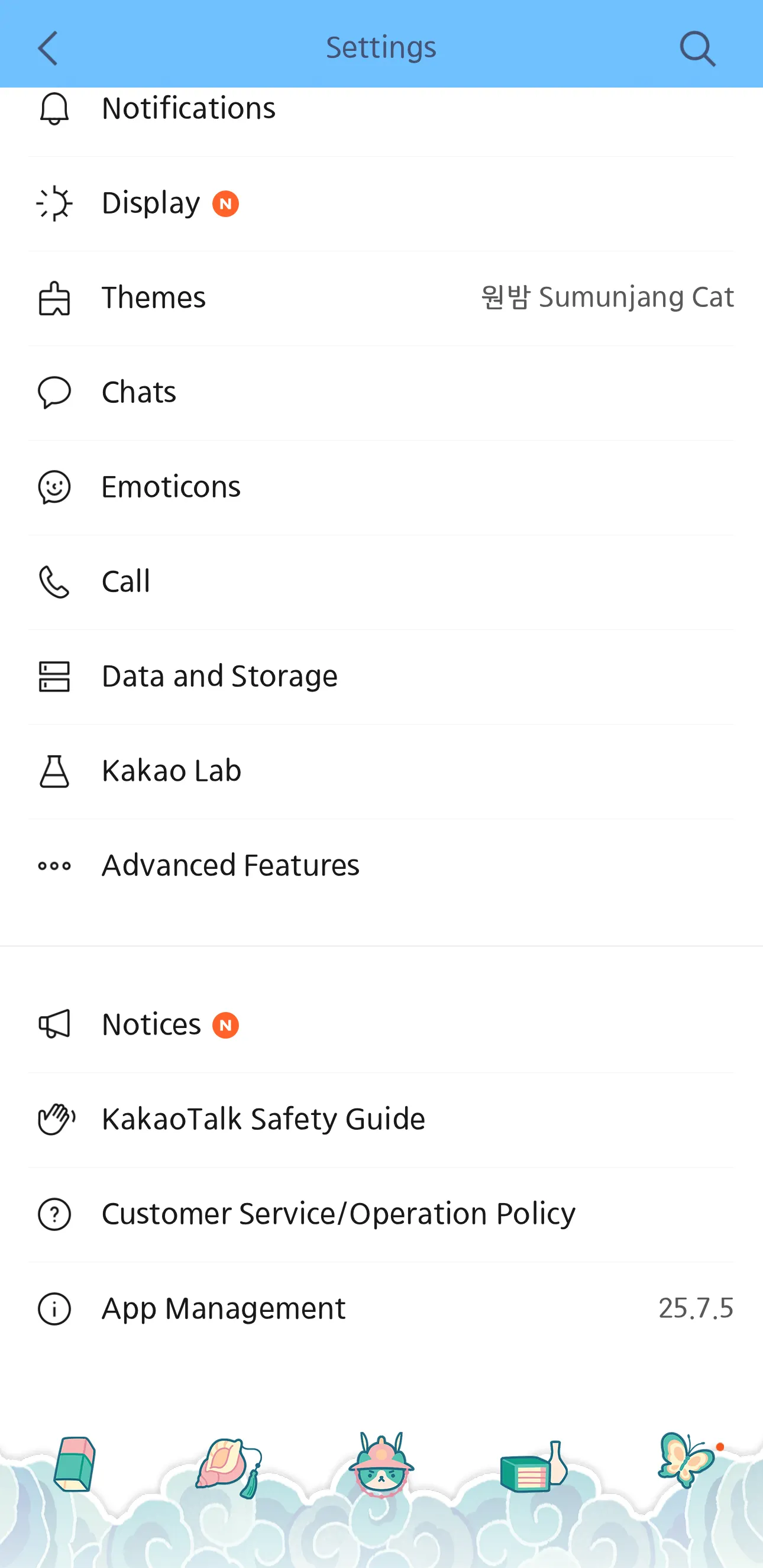
05. Check if the theme is applied
01. Select the theme in [Files] and tap the [Share] icon
02. Send it to [My Chat]
03. Go into [My Chat] and download the file
04. Tap [Apply Theme]
05. Check if the theme is applied
Go back


 Go back