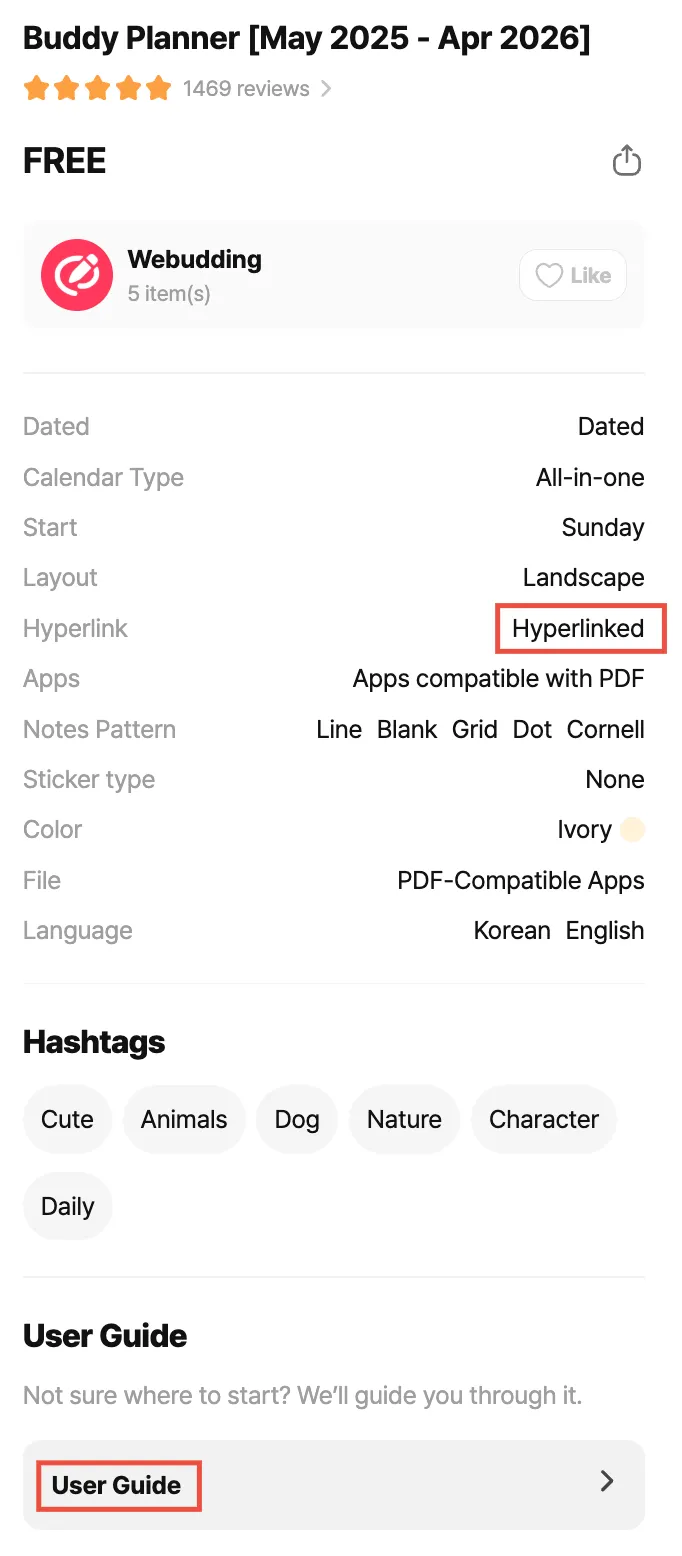
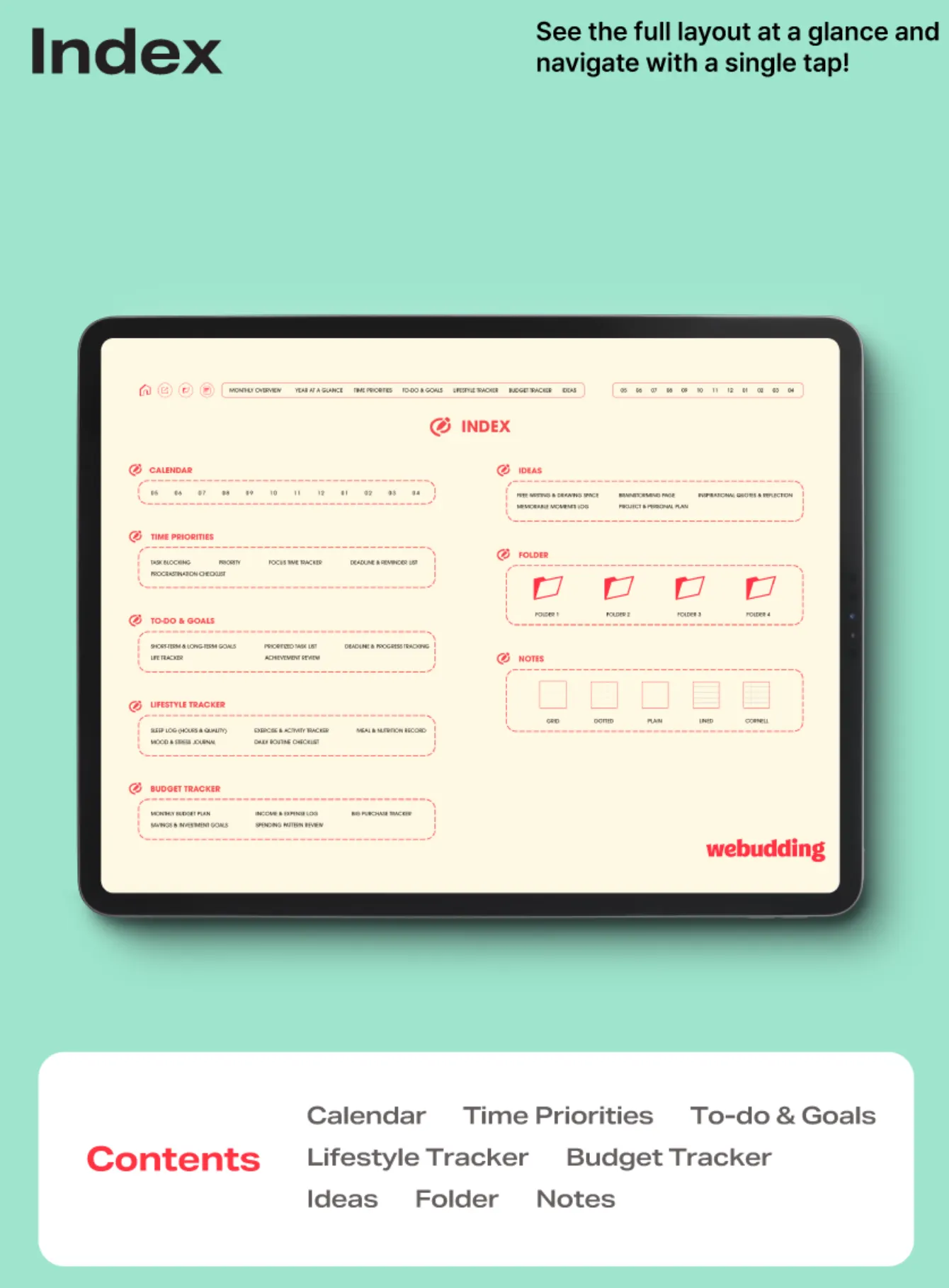
1. Check the [Product Details] on the website or the [User Guide] in the planner to see which sections are hyperlinked.
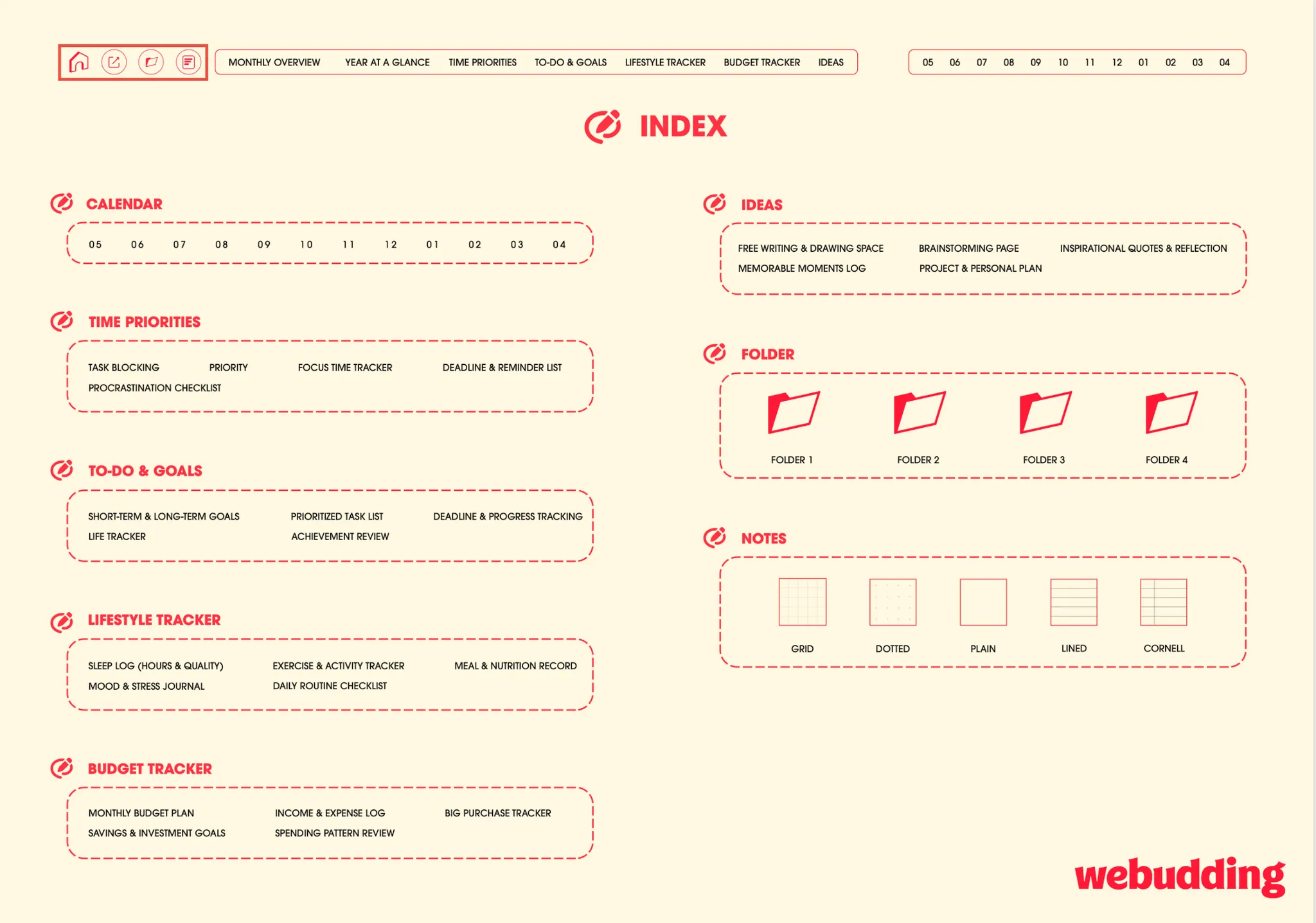
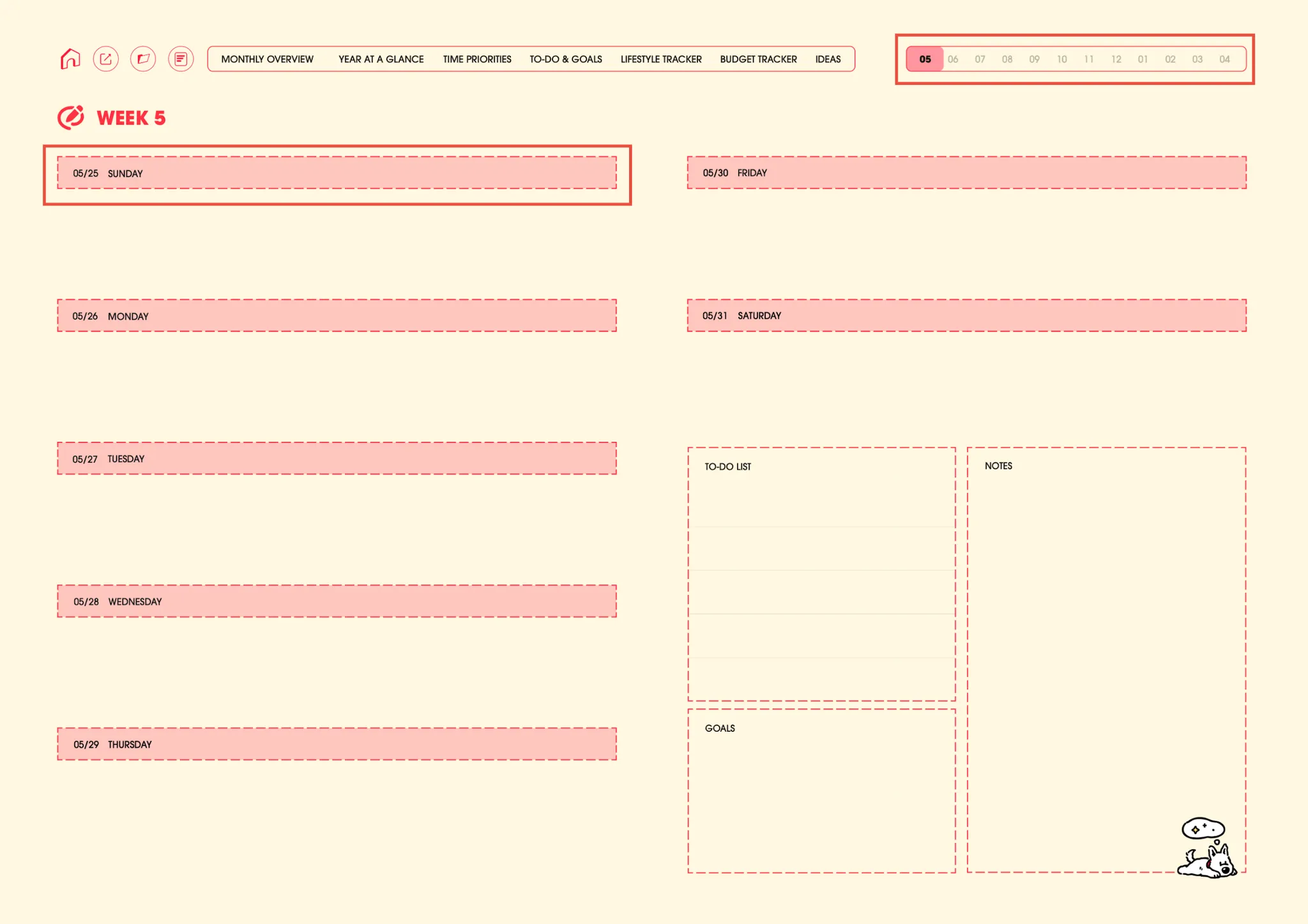
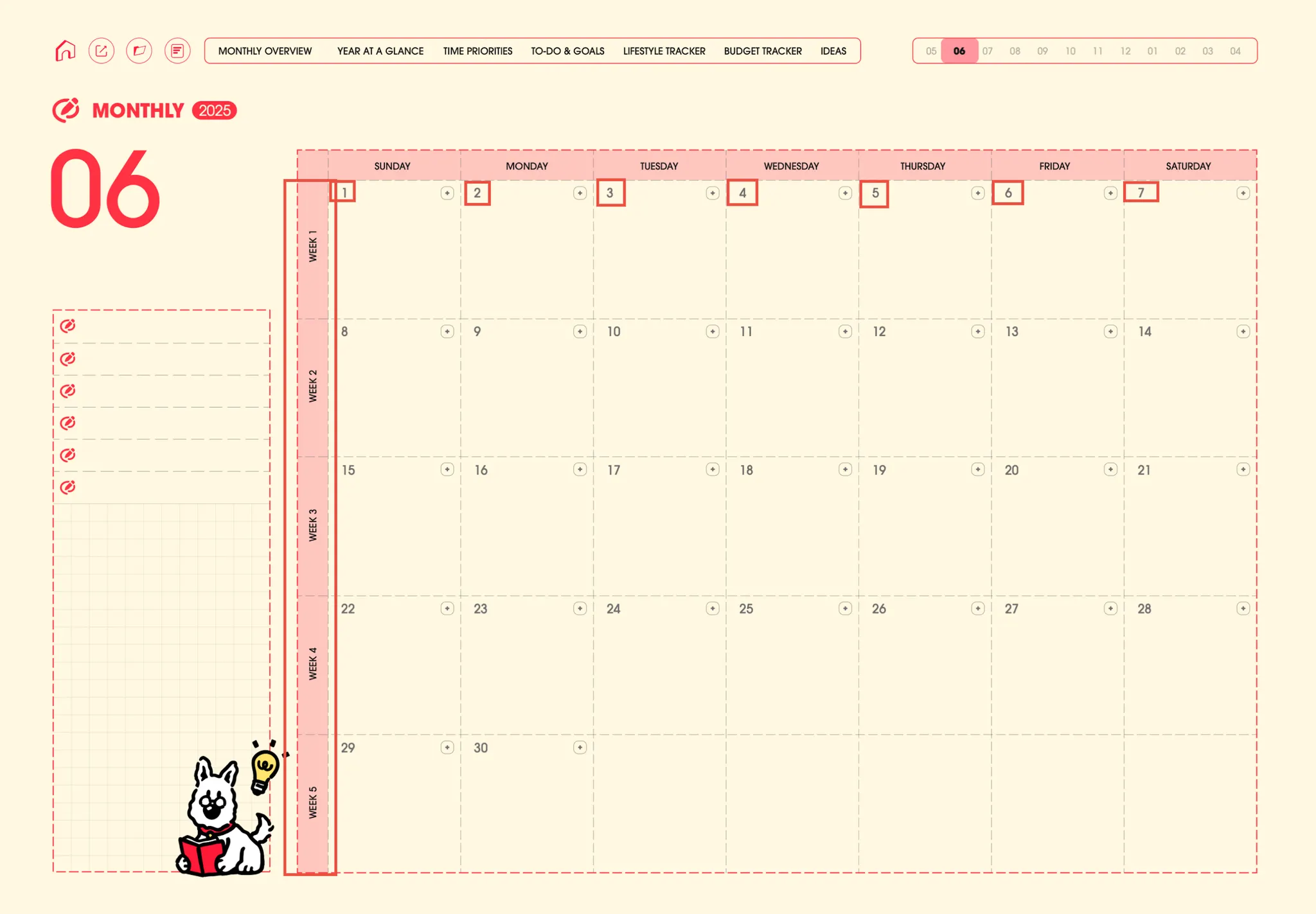
2. In most products, numbers link to the corresponding monthly, weekly, or daily pages, while texts link to the corresponding template within the planner.
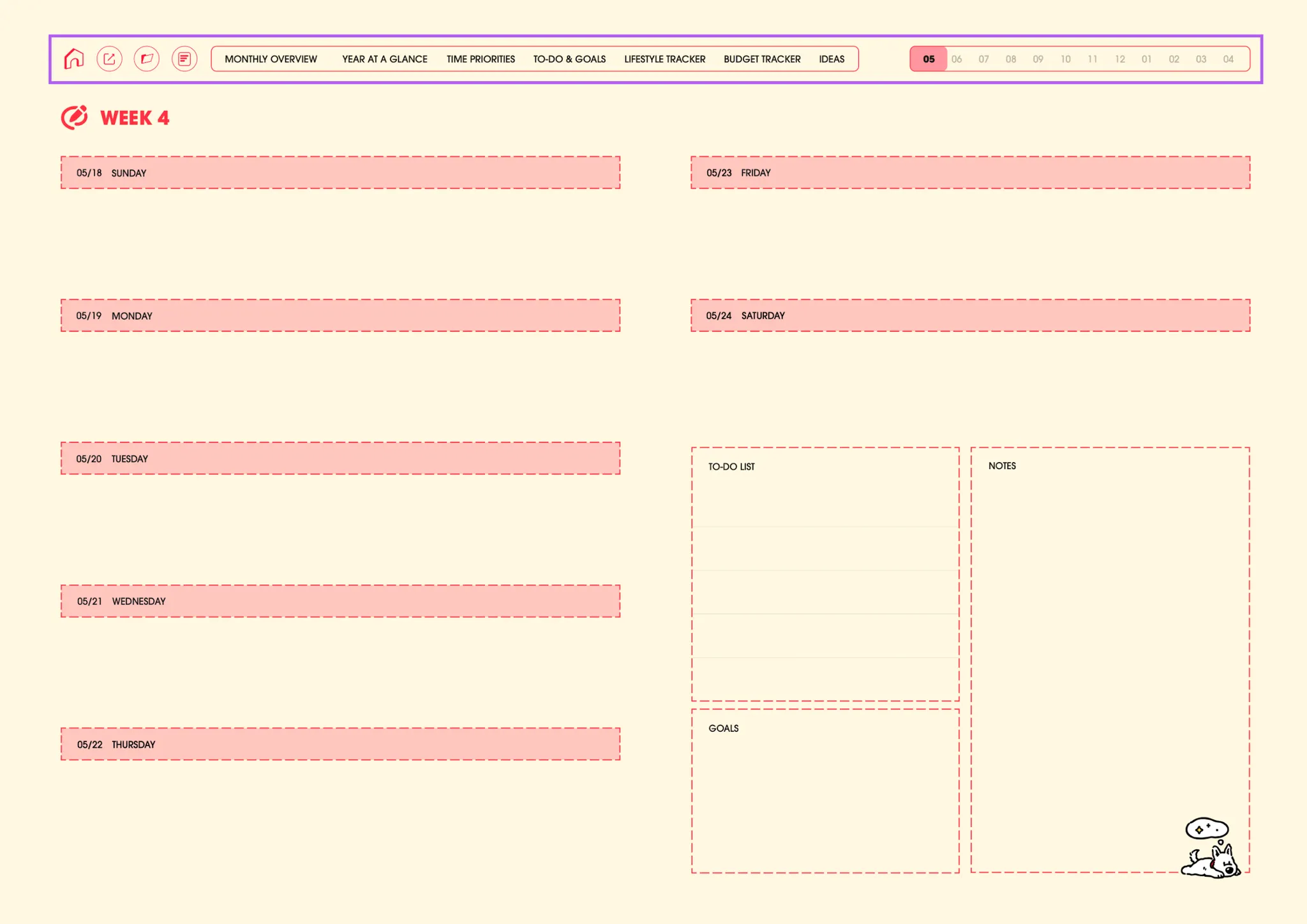
3. There are fixed tabs that are linked to primary pages like the Index, Dividers, Note Templates, Yearly / Monthly Overview, and more
4. Go back and forth between Monthly, Weekly, and Daily pages


 Go back