


สินค้าที่ใช้: : [MYKKUKKU] coloring JPG/PNG + color pallet SET_picnic
01. นำเข้า [Import] → เลือกไฟล์สมุดระบายสี (.png)
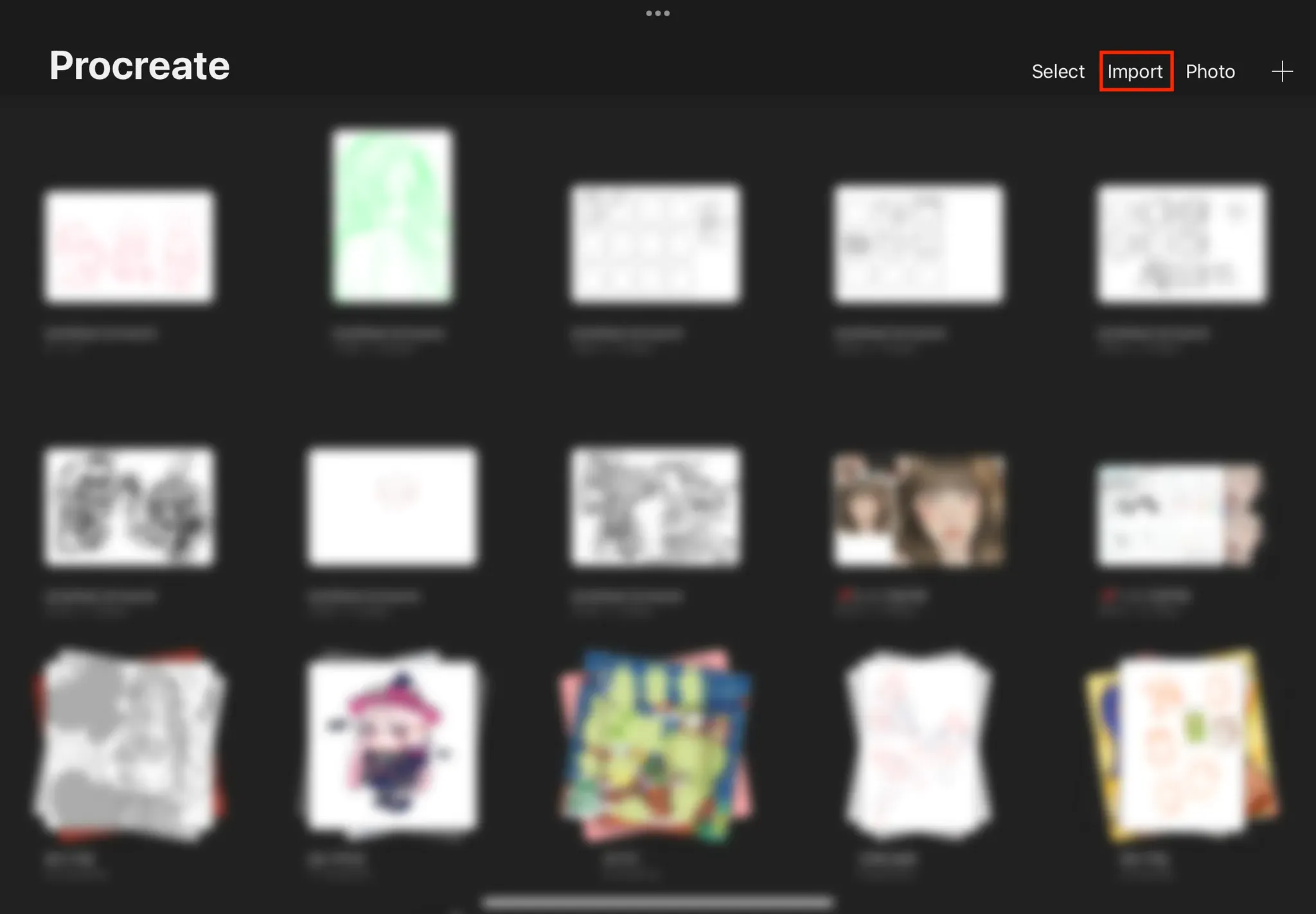
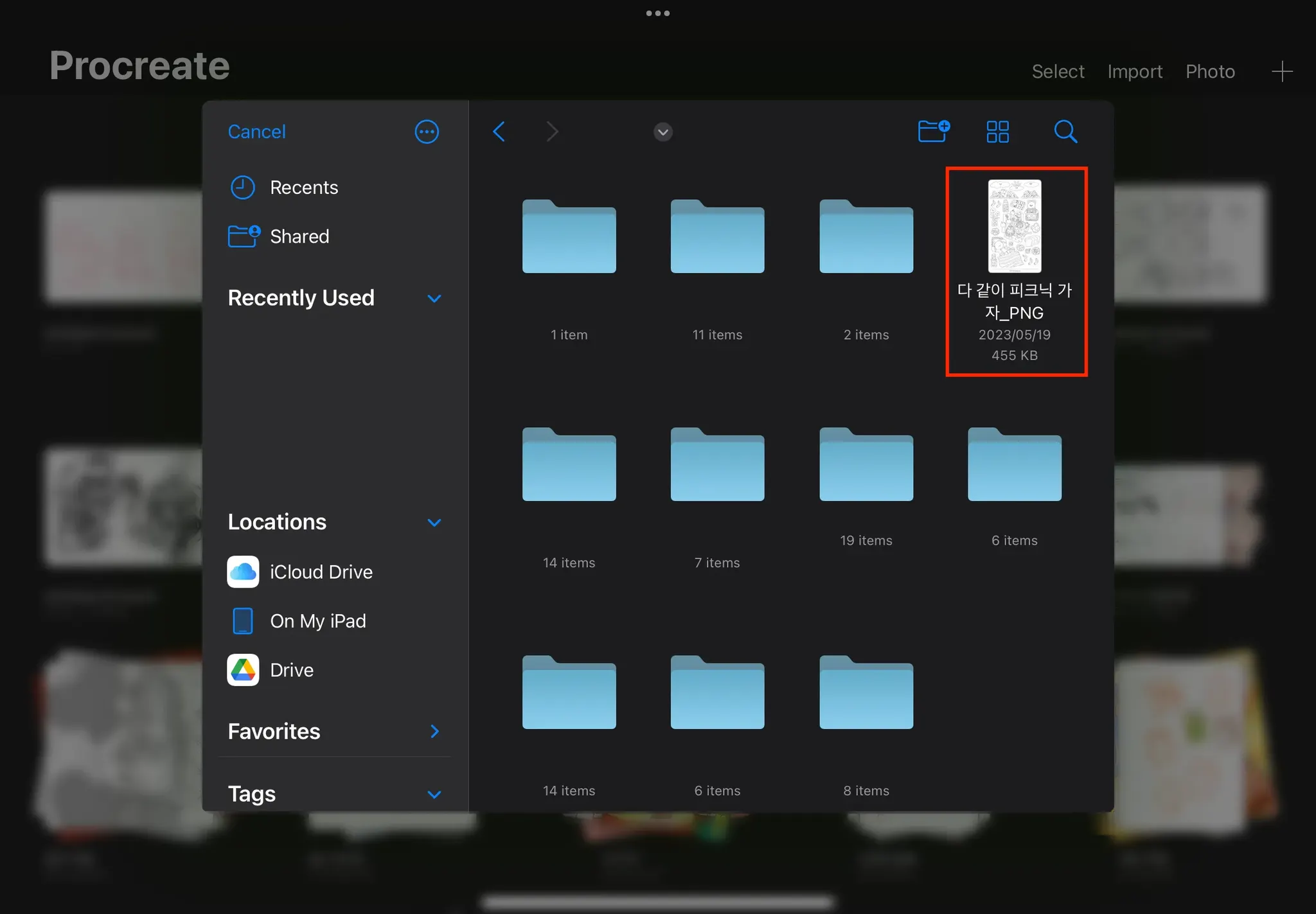
02. เลือก [Layers] → เพิ่ม Layer
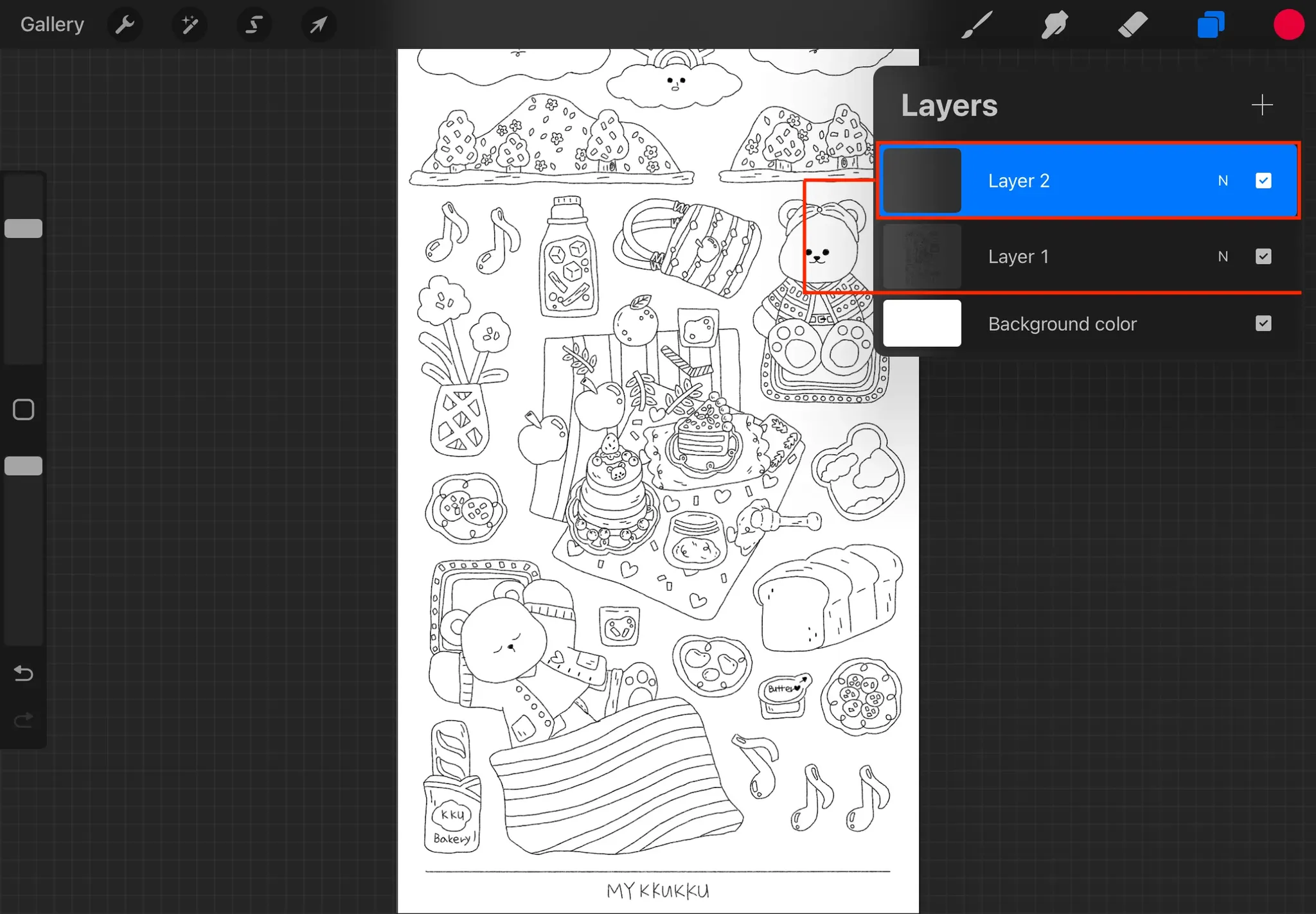
03. ลากเลเยอร์ที่เพิ่มใหม่ลงไปไว้ใต้เลเยอร์ภาพระบายสี
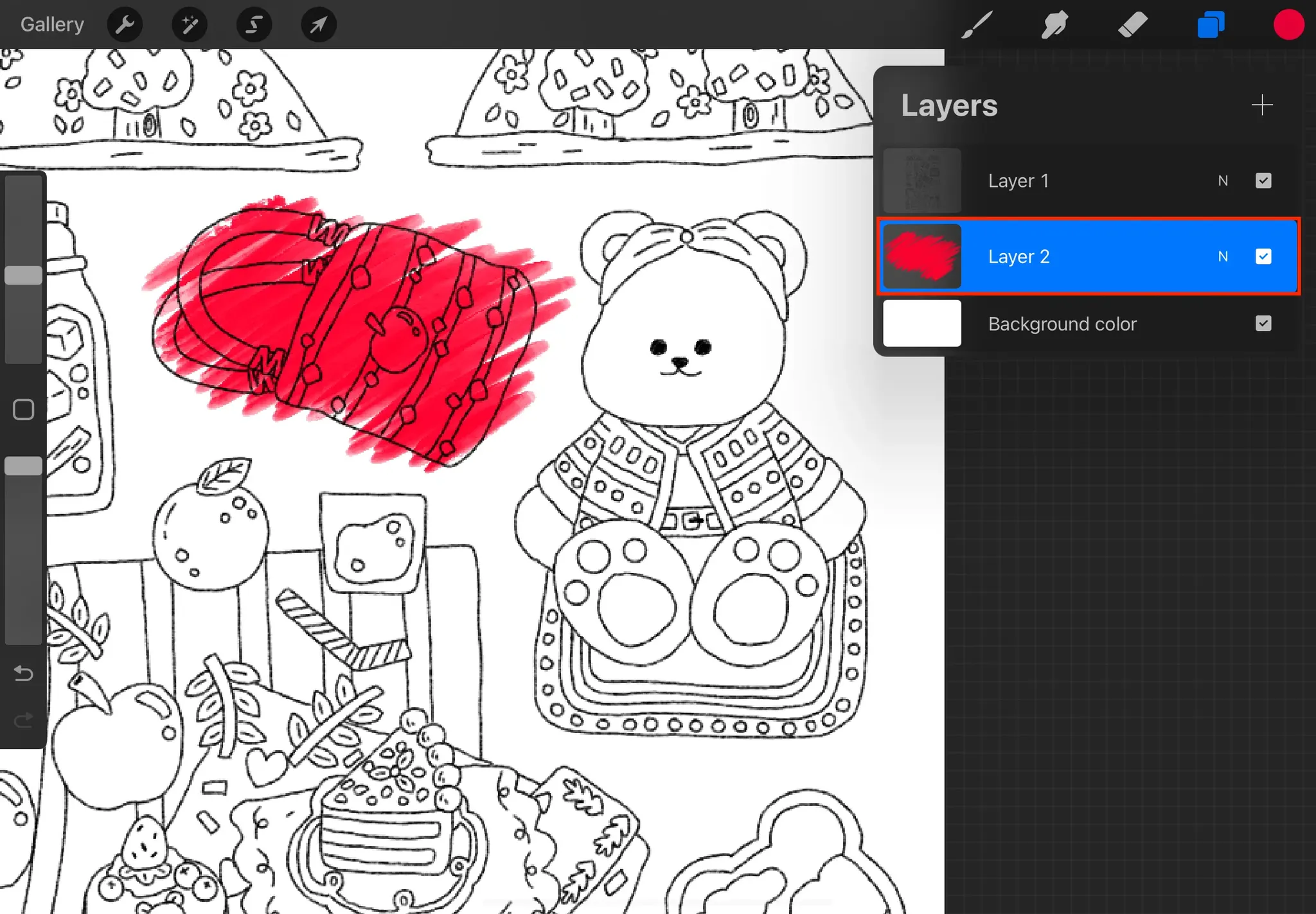
04. วิธีใช้ วิธีใช้ Color Swatches : กดคำสั่ง [Actions] → [Canvas] → [Reference]
 มื่อหน้าต่าง [Reference] เปิดใช้งานอยู่ สามารถนำเข้าไฟล์พาเล็ตสีจากแอป Files หรือ Images ได้ จากนั้นแตะค้างที่สีที่ต้องการบนหน้าจอ Reference เพื่อดึง/เลือกสีไปใช้งาน


 กลับไปหน้าที่แล้ว