This is a guide to [Secondary Options], which allow you to set multiple options for a single product and upload different product files for each option during the new product registration process.
1. Secondary Option - Select

•
If you have similar files that differ only by color, date type, or similar attributes, please set options and register them as a single product.
◦
Grouping them into one product helps increase the likelihood of customer purchases.
•
When you set [Secondary Options], you can upload different product files for each option.
◦
For example, if you select “Landscape” and “Portrait” under the “Page Orientation” option, you can upload a Landscape product file and a Portrait product file separately.
2. Secondary Option - Edit
•
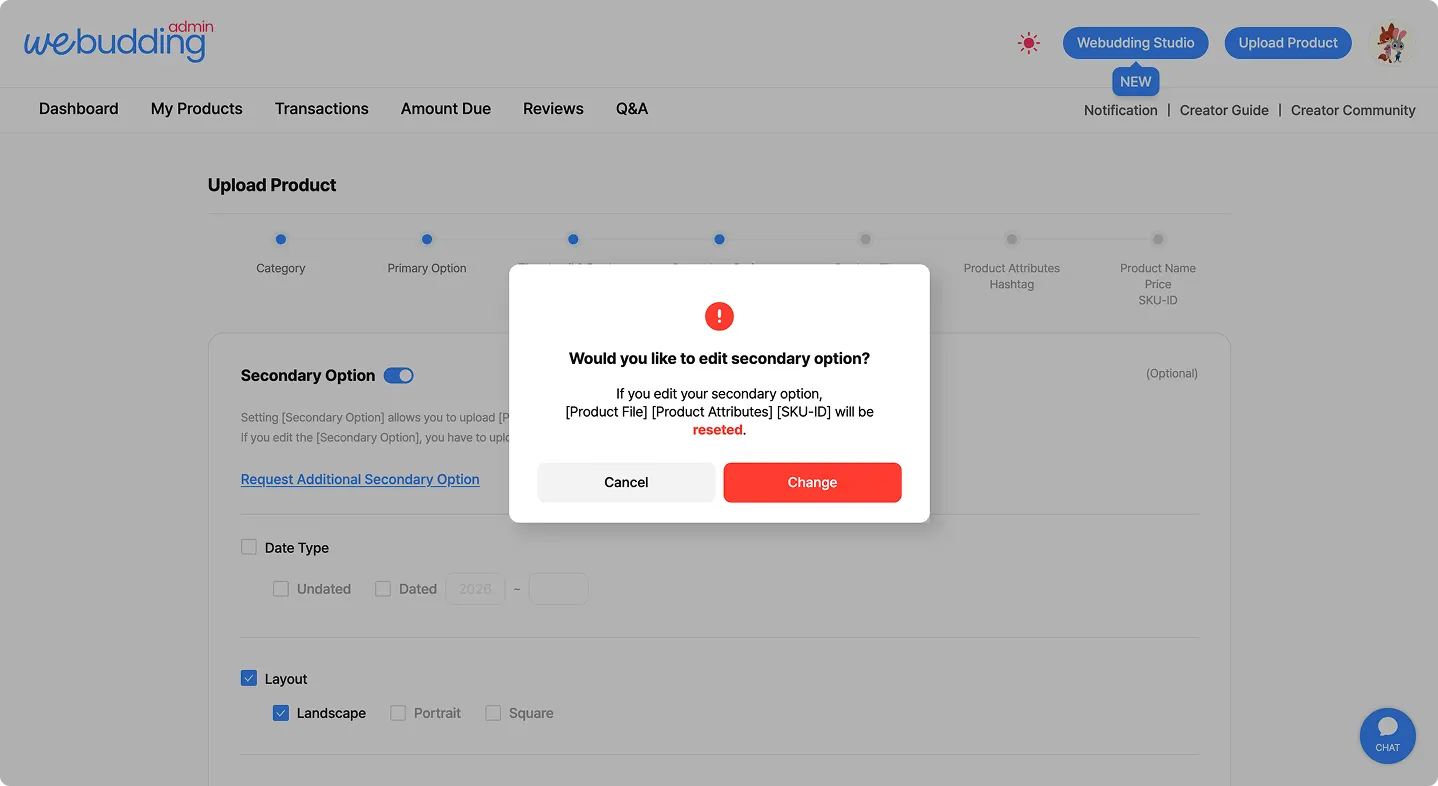
When you modify the [Secondary Options], the following information will be reset.
◦
Product Files, Product Details, SKU ID
 Go back to the guide