This is a guide to uploading and formatting the [Product File] during the new product registration process.
1. Product File - Uplaod
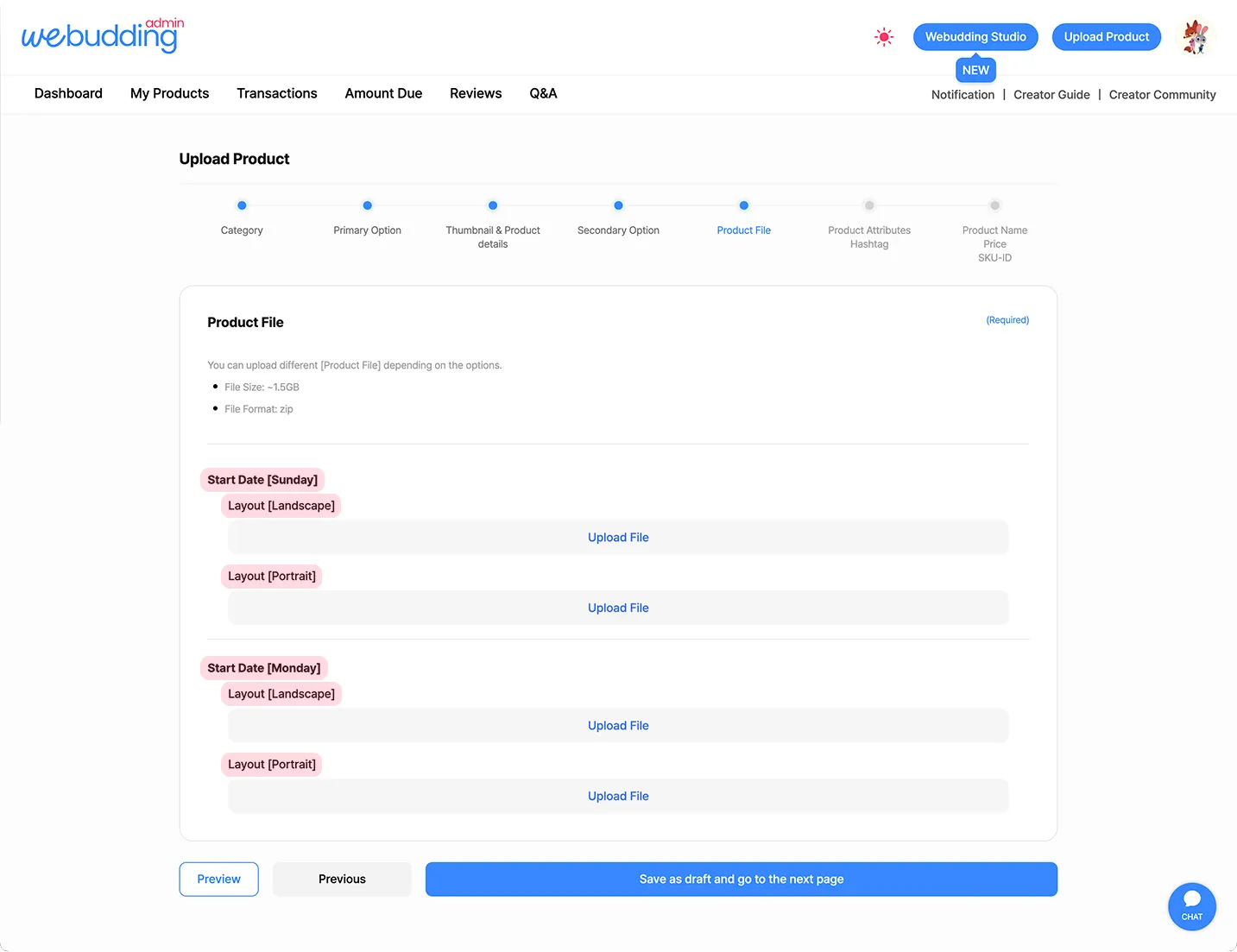
•
You can upload Product Files equal to the option combinations set in the [Primary Options] and [Secondary Options].
◦
For example, if you select ‘Sunday’ and ‘Monday’ for ‘Start Date’ in the [Primary Options], and ‘Horizontal’ and ‘Vertical’ for ‘Page Orientation’ in the [Secondary Options], you can upload a total of 2 × 2 = 4 Product Files (‘Sunday–Horizontal’, ‘Sunday–Vertical’, ‘Monday–Horizontal’, ‘Monday–Vertical’).
2. Product File - Format
Category | File Format |
Sticker | .png (Remove Background) |
Note & Planner | .pdf |
PPT Template | .ppt, .pptx |
Illustration & Wallpaper | .png, .jpg |
Font | .ttf, .otf |
Brush | .brush, .brushset, .swatches |
Kakaotalk Theme | .apk(Android) .theme(iOS) |
•
 For security reasons, please upload your product files in ZIP format, regardless of the number of files (whether there is one file or multiple files). Files that are not in ZIP format cannot be uploaded.
•
When uploading Product Files, please remove special characters such as percent (%), hash (#), question mark (?), slash (/), backslash (), and colon (:). Files containing these characters cannot be uploaded.•
The maximum file size is 2GB.
•
To make your product accessible to more customers, we recommend uploading products that include files usable on all devices (such as PDF or PNG files), rather than products that only work with a specific app (such as GoodNotes files).
•
If your product can only be used with a specific app, please clearly specify the supported devices and apps in the Product Details.
 Go back to the guide