

Have you downloaded the purchased items?
•
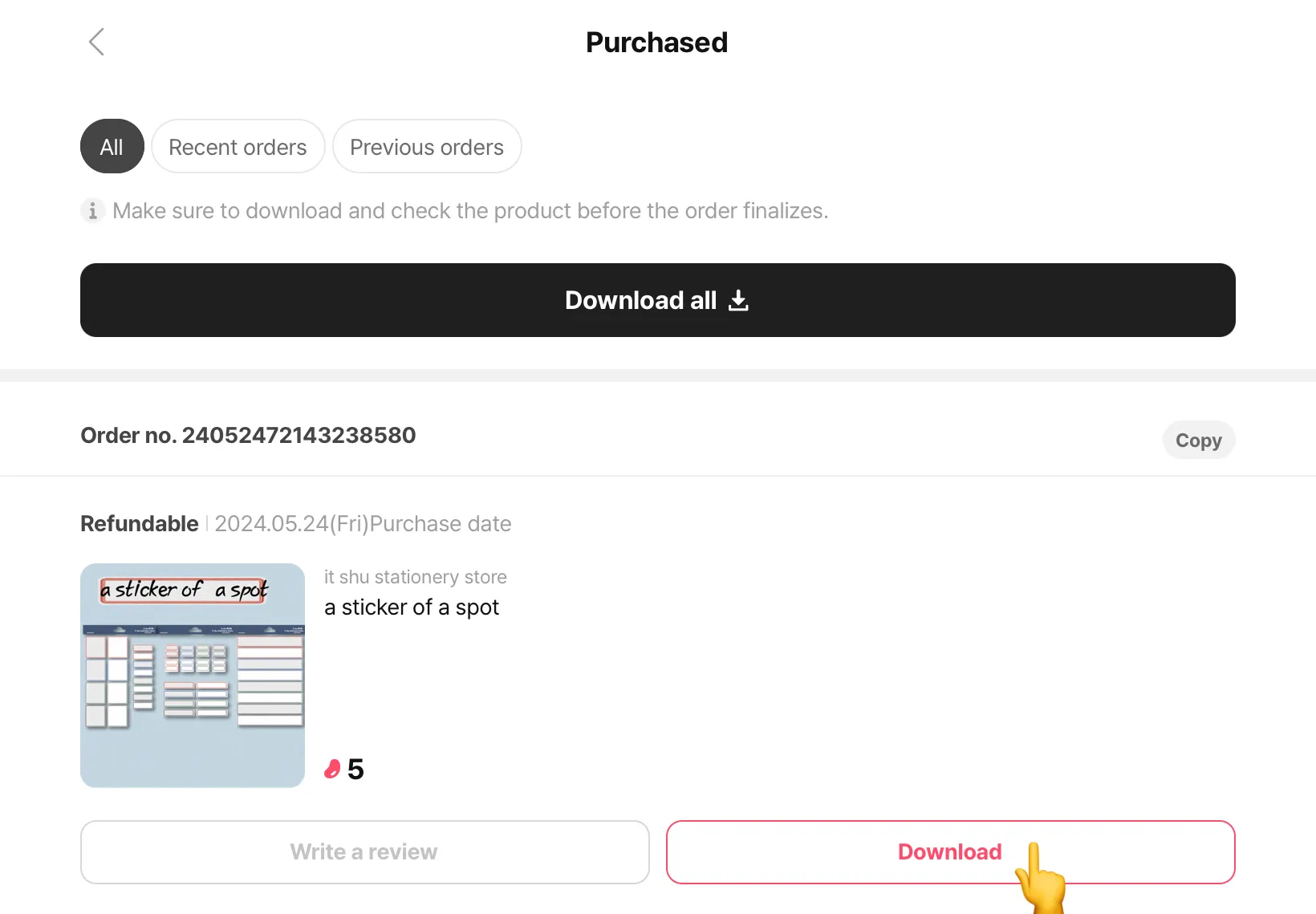
In [My Room] → [Purchased], then tap on the [Download] tab to view all downloadable items
 Go to my purchased items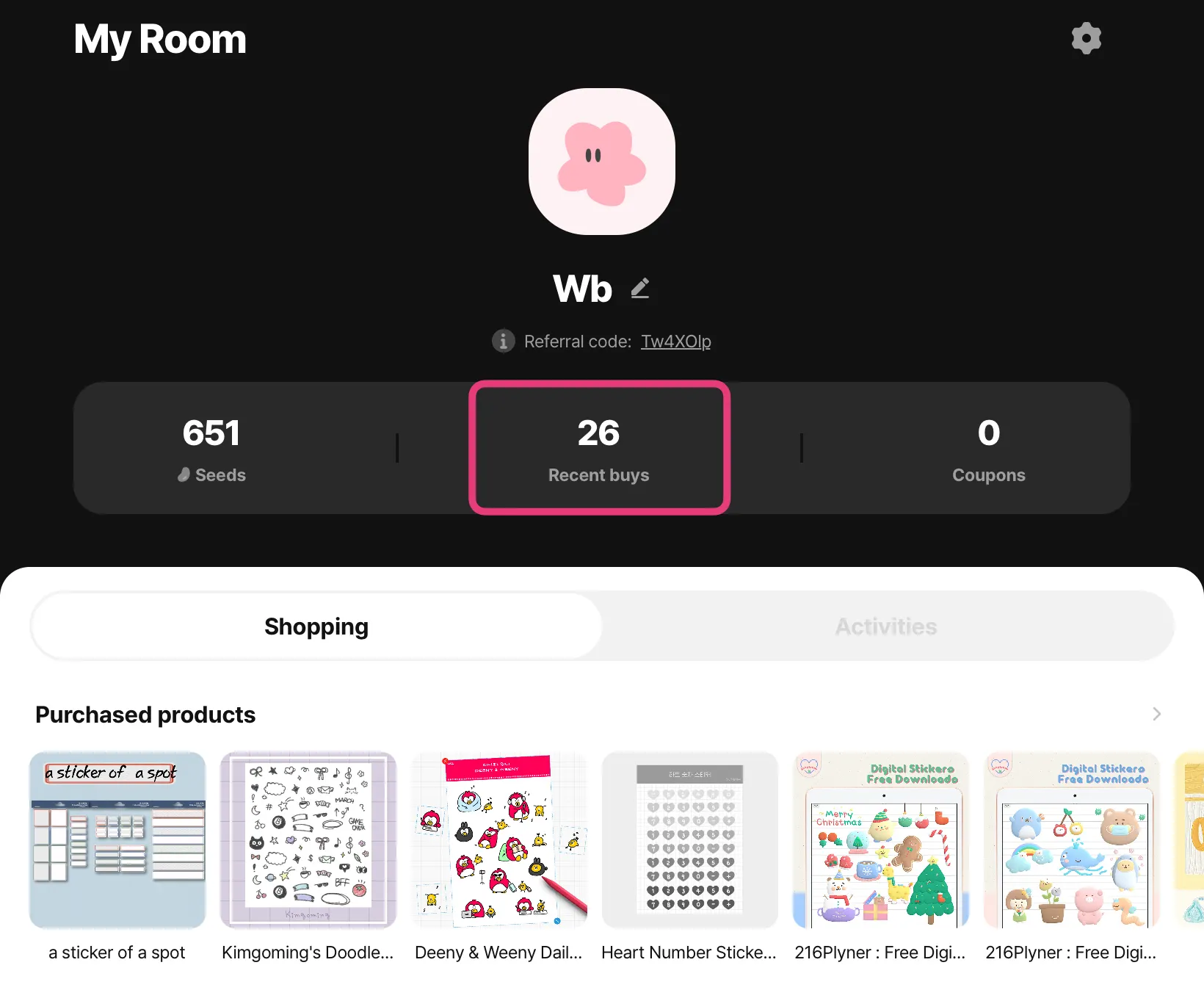
•
Items in this list have been purchased, but have not been downloaded for use
•
You can redownload purchased items anytime
•
You have to download separately on each of your devices for access
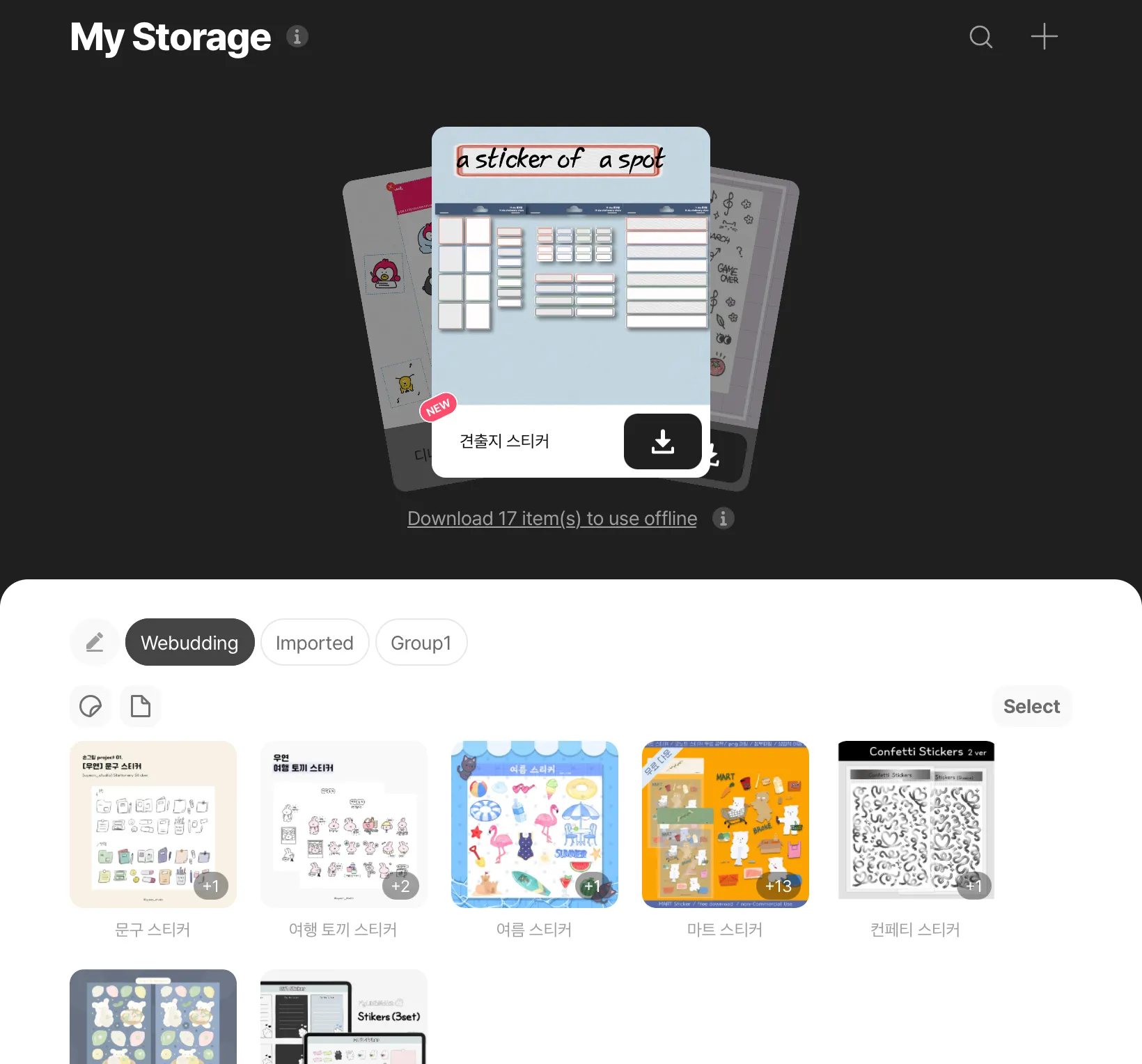
Have you downloaded them on the specific device?
•
Downloads are saved on the local storage of your device, which means that if you use multiple devices, you need to download on each device
Are you selecting a file, not the folder?
•
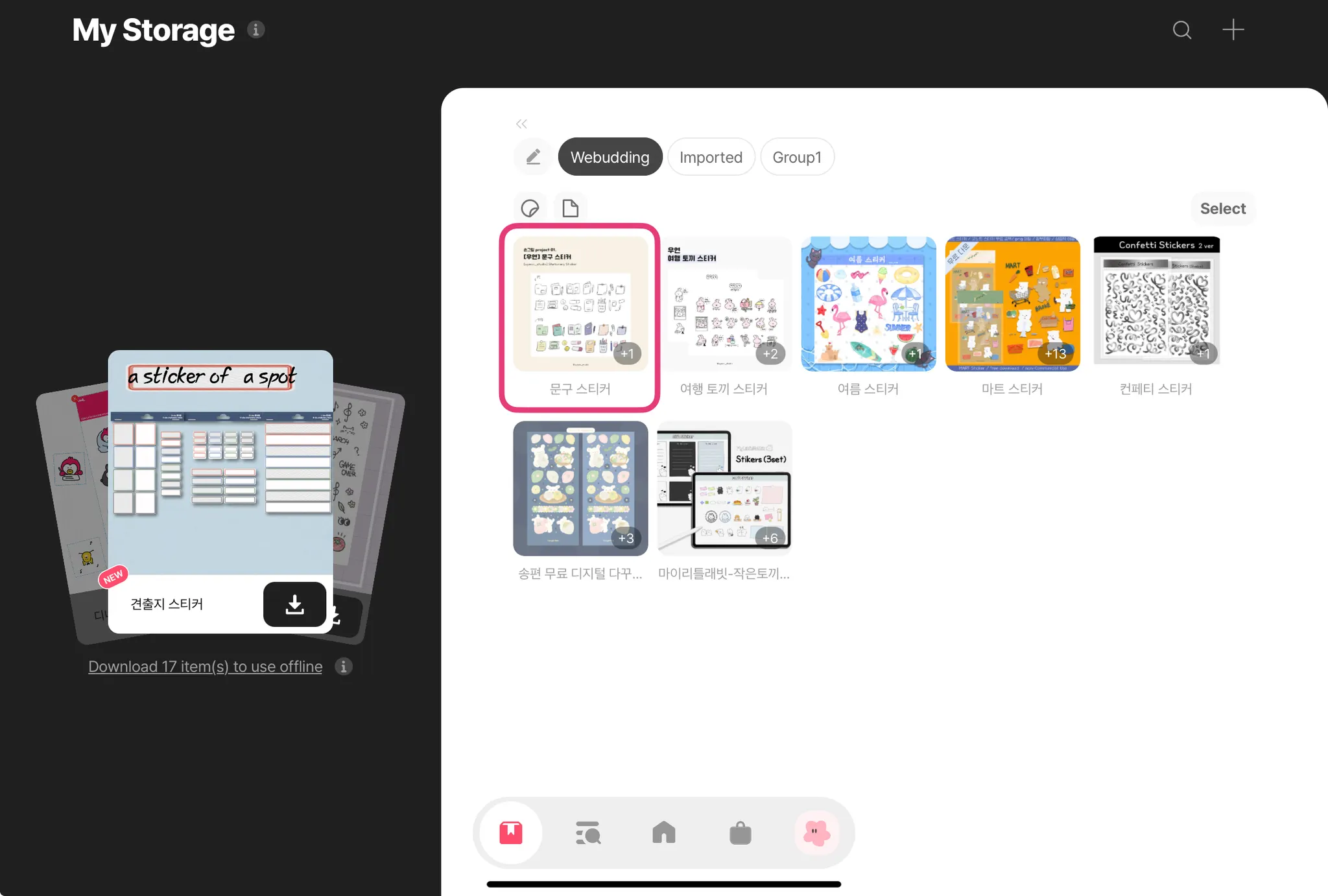
All items listed in the [Webudding] group are folders
•
Please tap on each folder to view the individual files
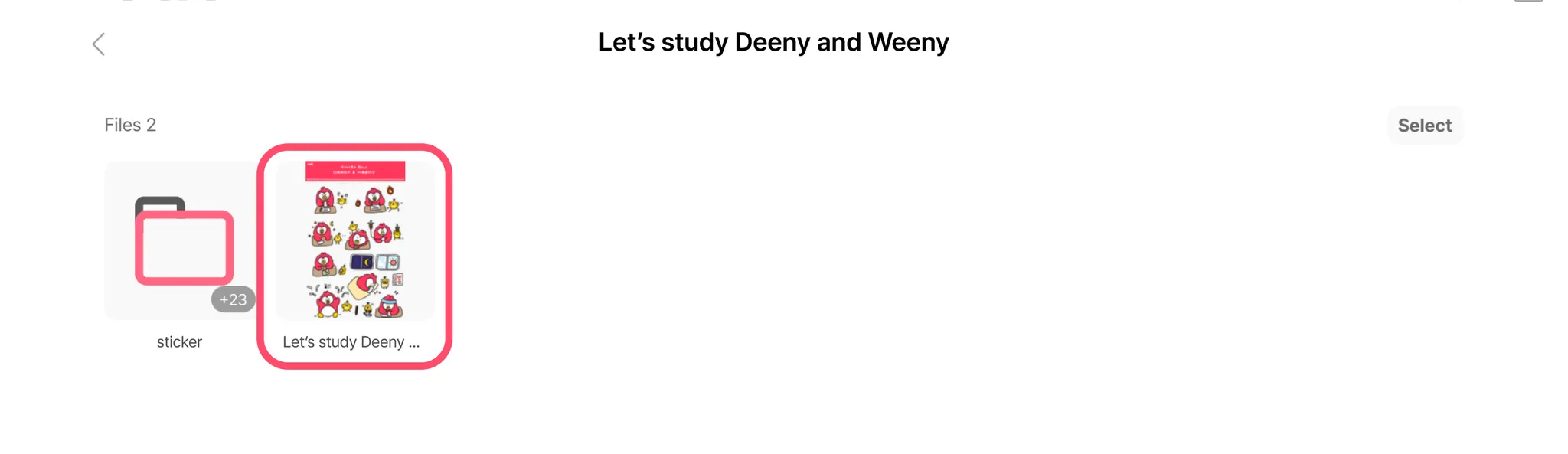
•
Then, tap on the individual files and tap “Open in another app” to open in your desired app
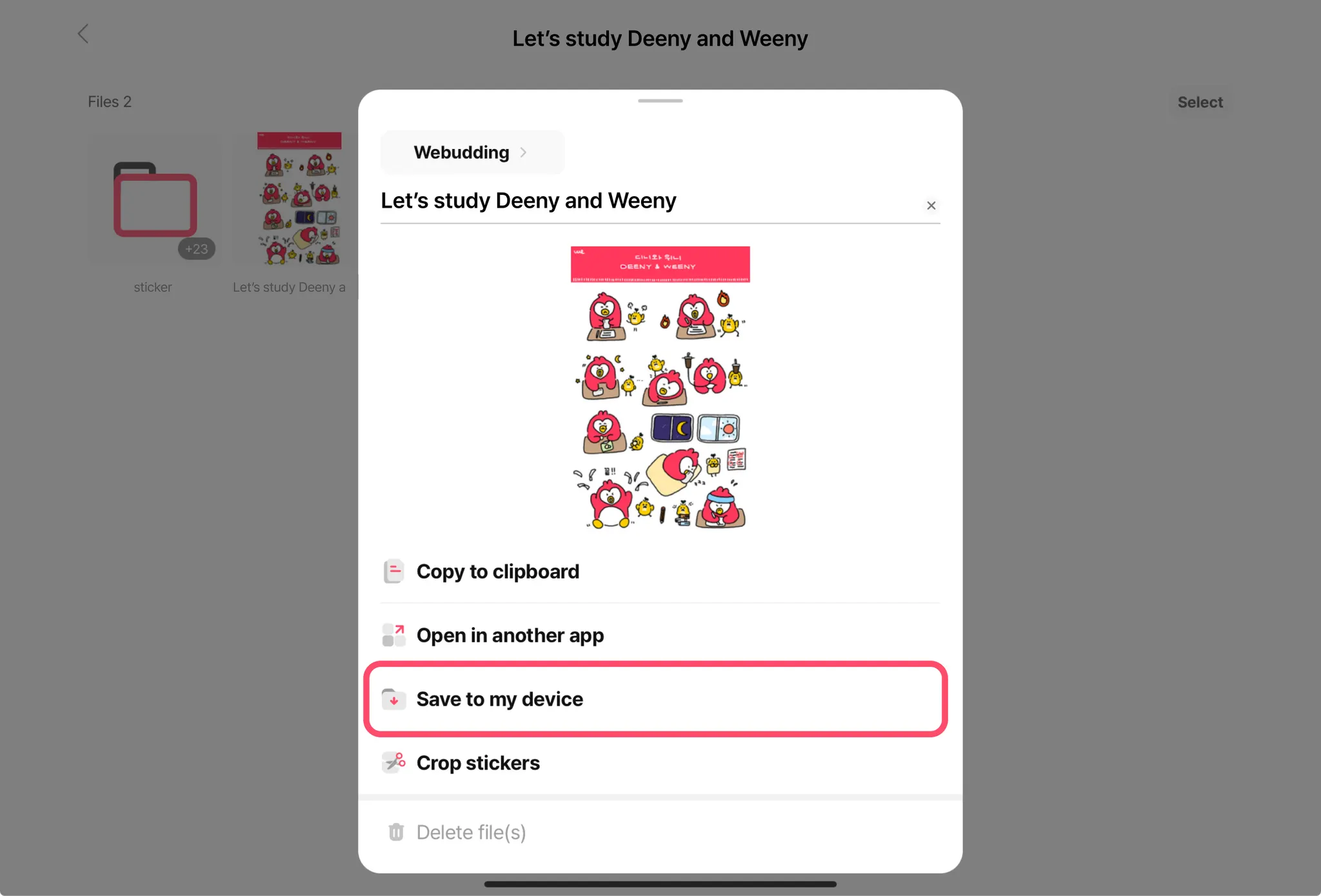
•
The same applies to stickers: access the folder by clicking the folder, crop the stickers using our crop feature, then drag & drop into your desired app